
Family chess online
Play chess with family online and keep the visit centered on something you share
Invite a parent, grandparent, sibling, child, or relative to a private ChessTV room with a clear board, optional video, voice, chat, and a history for future visits.
A game across generations
Chess gives family calls something meaningful to do
Family members often live in different homes, cities, or countries, and a normal call may not recreate the feeling of doing an activity together. Chess offers a familiar structure across generations. A grandparent can share an opening, siblings can continue an old rivalry, and a parent can play a child without needing everyone in the same room.
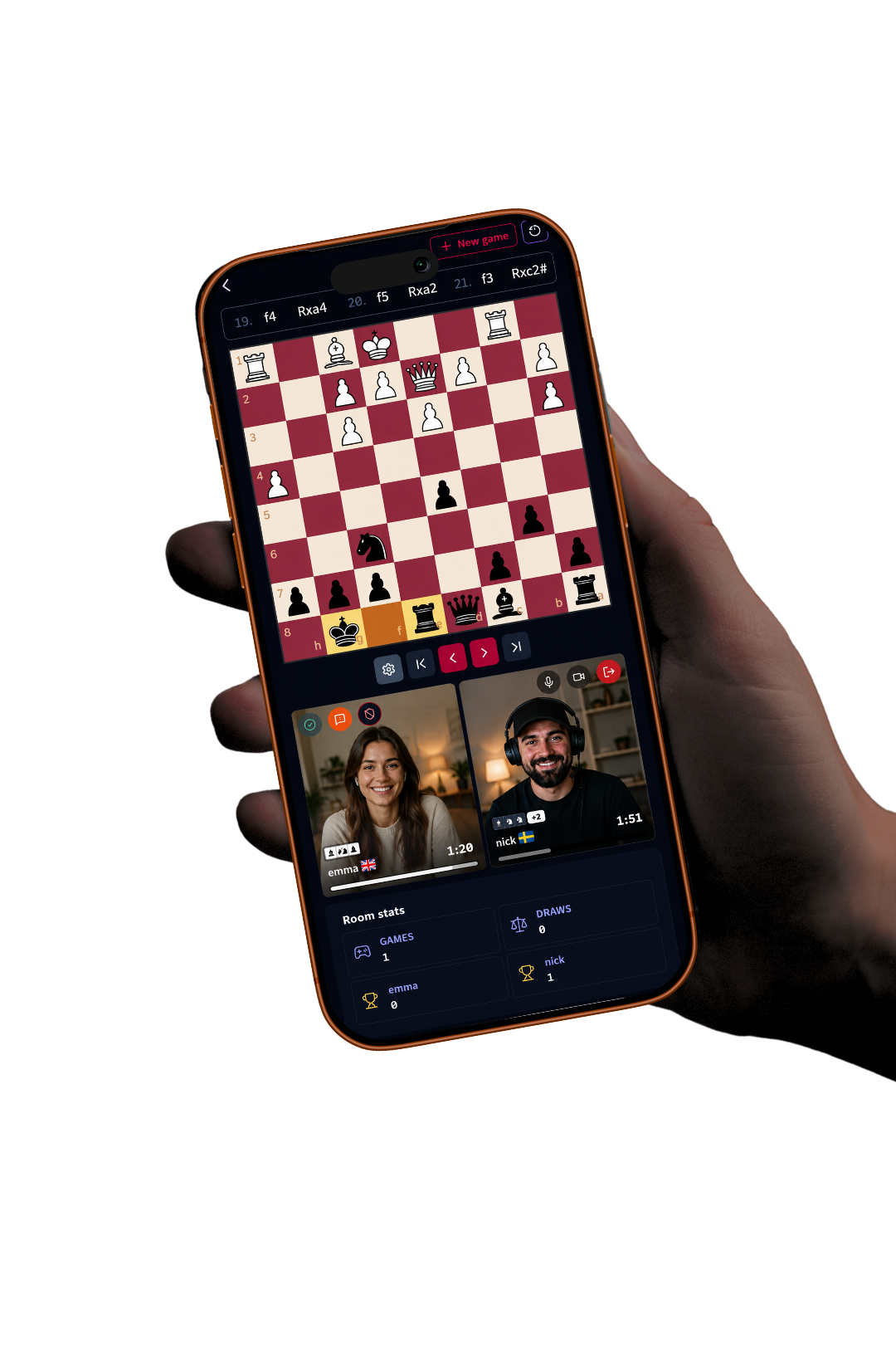
ChessTV brings conversation and the game into one private space. Compact camera views make reactions visible while the board stays central. Voice allows natural discussion, and text chat offers another option if the room needs to be quiet. Because camera is optional, each family member can choose the level of technology and visibility that feels comfortable.
Straightforward invitations
Connect the intended relative, not a public opponent
The room creator sends a direct link to the family member they want to play. When the guest requests access, the creator approves them before the private room opens. This makes the process more deliberate than public matchmaking and gives both people confidence that the board, chat, and media connection belong to their conversation.
Once together, the players agree on a game offer with a time control and colors. A relaxed clock works for teaching or talking; a faster clock can revive a competitive family match. After the result, they can rematch without creating a new room. The experience follows the rhythm of a visit rather than forcing everyone through repeated setup.
- Direct private invitation
- Creator approval before entry
- Time controls for teaching or competition
- Camera, voice, and chat choices for each player
Clear game feedback
Helpful details for players on phones and computers
Family members may join from very different devices. ChessTV uses a responsive board that stays within the mobile viewport and arranges controls around the available width. Player names and clocks remain associated with the correct side. Flipping the board reverses the player information as well as the pieces, keeping the orientation understandable.
The most recent move is highlighted, and move or capture sounds give immediate feedback. Premoves help experienced players in fast games, while pawn promotion asks the player which piece they want. Incoming draw offers appear below the board so they do not cover the position. These details keep the interface understandable without simplifying the rules of chess.
Teach and remember
Use history for stories as well as improvement
A family game can be a lesson, a competition, or both. Completed games remain in room history, where players can step backward and forward through the moves. The replay uses move and capture sounds, and the PGN can be downloaded for analysis. A stronger relative can point to the exact moment a tactic appeared instead of trying to reconstruct the board from memory.
Room statistics show games, draws, and wins whenever data exists, even before both people are currently present. Previous guest details remain connected to that history. Over several visits, the family builds a record that is easy to revisit: the child’s first win, the drawn endgame that lasted all evening, or the opening a grandparent taught from another country.
Frequently asked questions
Useful answers before you play
Can I play chess online with an older family member?
Yes. ChessTV runs in the browser and keeps the private board and communication controls together. The exact device and browser still need to support the chosen media features.
Can I teach a child or beginner?
Yes. Choose a comfortable time control, talk during the session, and use historical move navigation after the game to review positions.
Does everyone need ChessTV Pro?
No. The creator needs Pro to make the room, while the invited relative can join using a free account.
Will our previous family games remain available?
Completed games remain in room history with moves and results, along with room-level win and draw statistics.
Invite a family member to the board
Create a private family chess room and make the next remote visit active, memorable, and easy to repeat.
Create a ChessTV room